 HushScribe
Transcribe interview recordings offline on Windows
Short answer: if your interviews are confidential, transcribe them on your own computer instead of uploading them. HushScribe transcribes MP3, WAV, M4A and video recordings offline with Whisper speech recognition and exports a timestamped text transcript you can edit, quote and code.
Try HushScribe free
Live captions you can keep and file transcription, offline on Windows 10 & 11. Try it free now, then pay once.
Research tip: ethics boards and data-protection rules (such as GDPR) often ask where interview audio is stored and processed. With an offline tool the audio never leaves your PC, which is usually easier to explain in a data management plan. Always check your own institution's rules.
Your options, honestly
- Type it yourself. The most accurate option, but it takes several hours for each hour of audio.
- Cloud transcription or a human transcription service. Fast, often with speaker labels, but you upload the recording and usually pay per minute or per month.
- Free open-source Whisper apps such as Buzz. Offline and free, but a little more technical to set up.
- HushScribe. Drag in the recording, get a timestamped transcript. Offline, no account, no minute limits, pay once.
Step by step with HushScribe
- Open the File tab. Drag in your recording, or click Choose a file. Phone recordings (M4A), MP3, WAV and video files all work.
- Choose Accurate mode. Interviews often have accents, room noise or quiet voices. Accurate (Whisper large-v3-turbo) is slower but makes fewer mistakes.
- Set the language. Auto-detect works for most recordings. Pick the language yourself if the recording starts with silence or small talk in another language.
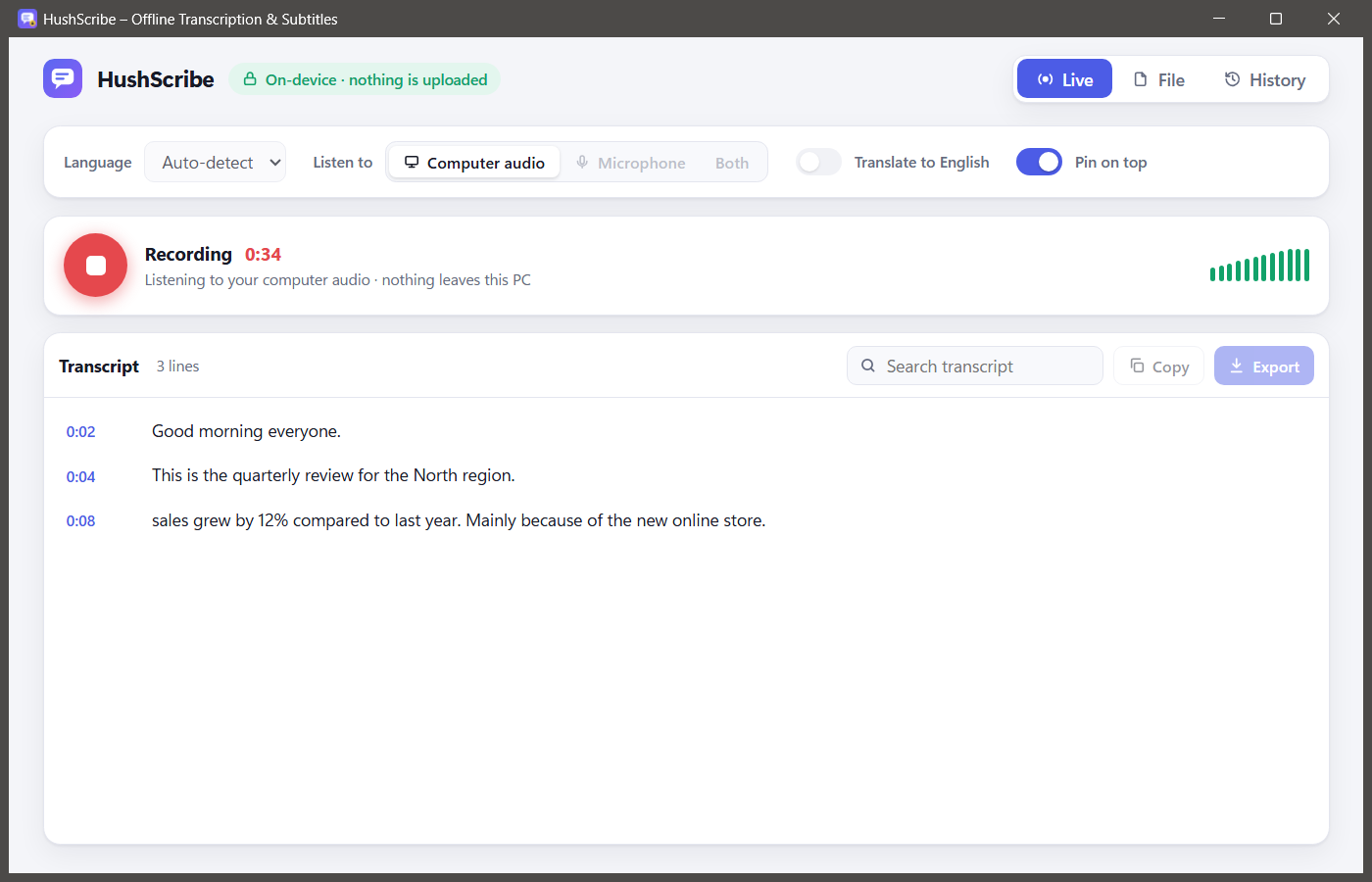
- Press Transcribe. Lines appear with their timestamps as they are recognised. You can switch off Wi-Fi to check nothing is uploaded.
- Export and check. Export as TXT with timestamps, then add speaker names and check every quote against the audio before you publish or analyse it.
Doing the interview on a call? Use the Live tab with Both selected to caption your microphone and the other person's audio at the same time, with their consent.
Good to know
- There are no speaker labels yet. Add "Interviewer" and "Participant" yourself while you check the transcript.
- Clear audio matters most: put the recorder or phone close to the person speaking.
- Automatic transcripts are never perfect. Check names, numbers and every quote against the recording.
Confidential interviews, transcribed on your PC
No upload, no minute limits, no account. Try it free now, then pay once, yours forever ($4.99 in the US; the Store shows your local price).
FAQ
Can it tell the interviewer and the participant apart?
Not yet. You get a timestamped transcript, and you add the speaker names yourself.
Which file types work?
MP3, WAV, M4A, MP4, MKV, MOV and most other common audio and video formats.
Is there a length limit?
No. Long interviews just take longer on your PC. There are no minute limits.
Is my recording uploaded anywhere?
No. Speech recognition runs entirely on your own computer.
Does it work with interviews in other languages?
It supports 15 languages, including Spanish, German, French and Japanese, and can translate speech into English. Accuracy is best for English and major European languages.