 HushScribe
 vs Windows 11 Live Captions
Short answer: Windows 11 Live Captions is free, built in, and great for following along in the moment. HushScribe is for when you also want to keep the captions: it saves every session, lets you search and export it, transcribes audio and video files, and also runs on Windows 10. If you only need captions in the moment, Live Captions may be all you need.
Try HushScribe free
Live captions you can keep and file transcription, offline on Windows 10 & 11. Try it free now, then pay once.
Written by the HushScribe developer, so read it with that in mind. Live Captions is a Microsoft feature, and HushScribe is not affiliated with Microsoft. Windows features change with updates, so check Microsoft's documentation for the latest.
Side by side
| Windows 11 Live Captions | HushScribe | |
|---|---|---|
| Price | Free, built in | Try free, then pay once |
| Windows 10 | No | Yes (1809 or later) |
| Works offline | Yes, after a language download | Yes |
| Captions any app | Yes | Yes |
| Microphone | Yes (setting) | Yes, or mic and PC audio together |
| Saves the transcript | No | Yes, every session |
| Search past sessions | No | Yes |
| Export TXT, SRT, VTT | No | Yes |
| Transcribe audio and video files | No | Yes |
| Translate to English | On Copilot+ PCs | Yes |
| How fast text appears | Word by word | About a second after each sentence |
| Speaker names | No | No |
Your options, honestly
- Use Live Captions if you're on Windows 11 and only need to follow along live. It's free, quick and already on your PC.
- Use HushScribe if you want to read the captions again later, search a lecture or meeting before an exam or a follow-up, export subtitles, transcribe recordings, or you're on Windows 10.
- Use both. Some people keep Live Captions for word-by-word reading and run HushScribe at the same time to get a saved transcript.
Try HushScribe next to Live Captions
- Install HushScribe from the Microsoft Store. It's free to try. No account is needed.
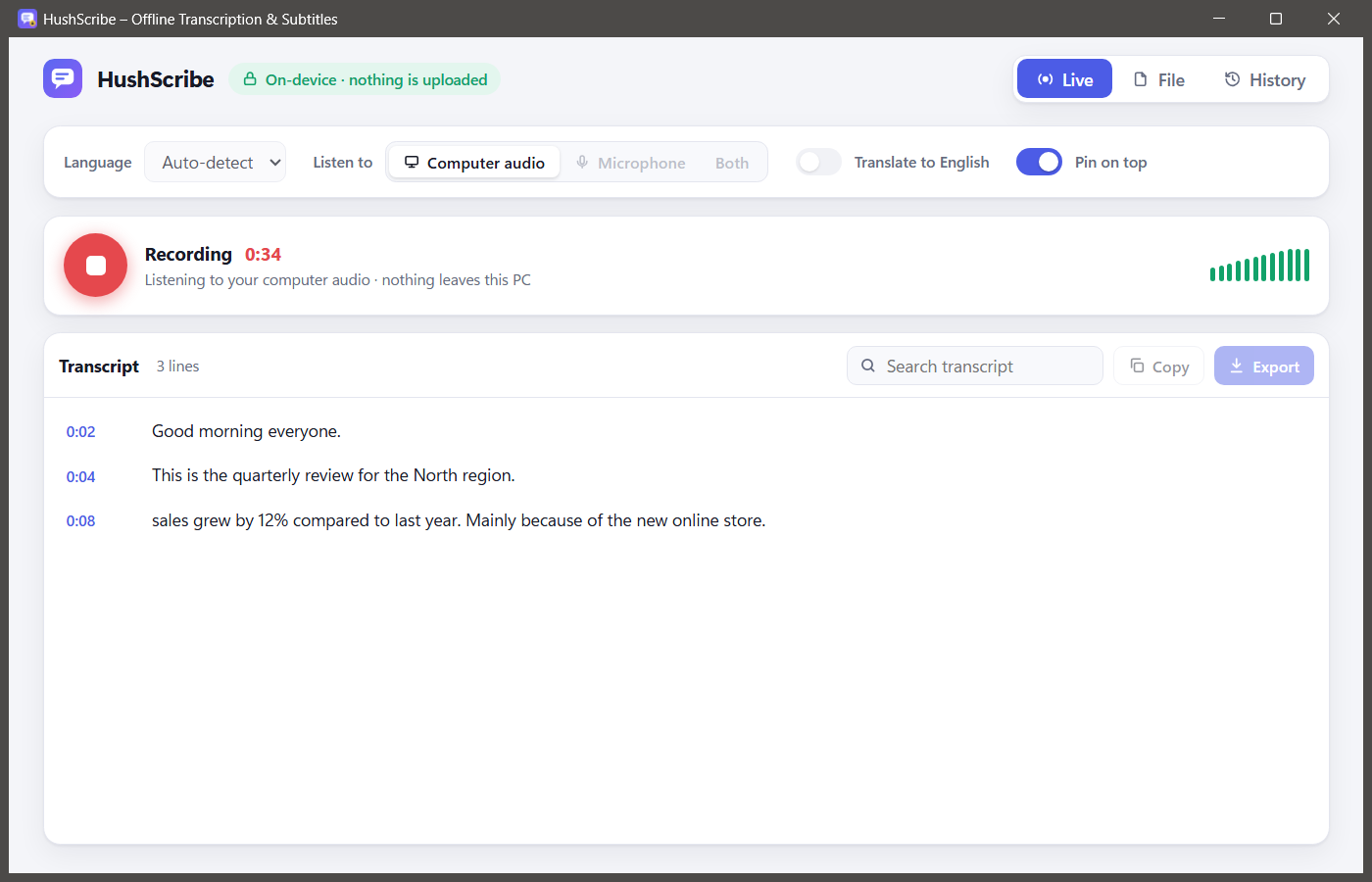
- Pick Computer audio on the Live tab. This is the same sound Live Captions listens to: calls, videos, lectures.
- Press record. Watch both side by side on the same video or call.
- Stop and open History. Your session is saved. Search any word, or export it as TXT, SRT or VTT. That's the part Live Captions can't do.
If Live Captions already gives you everything you need, keep using it. It's a good feature.
Good to know
- Live Captions shows words as they're spoken; HushScribe waits for the end of a sentence, which gives cleaner text but a short delay.
- Neither tool is as accurate as a human captioner, and both struggle more with crosstalk and noisy audio.
- HushScribe uses more of your PC's power; a faster PC gives better results.
Captions you can keep
Every session saved, searchable and exportable, offline on Windows 10 and 11. Try it free now, then pay once, yours forever ($4.99 in the US; the Store shows your local price).
FAQ
Can Windows Live Captions save a transcript?
Not by itself. The text disappears when you close it. HushScribe saves every session automatically.
Is Live Captions offline?
Yes. After you download a language, it processes speech on your PC. HushScribe is offline too.
Can I run both at the same time?
Yes. They both listen to your PC's audio and don't get in each other's way.
Does HushScribe work on Windows 10?
Yes, on version 1809 or later, 64-bit. Live Captions needs Windows 11.
Which one is more accurate?
It depends on the audio. Try HushScribe free on your own calls and videos and compare.